
Plugins
Aeon Lingua: visitor language
Suggest a language from the browser or country, redirect on the first visit and place the language switcher.
Last updated 16 November 2026
Lingua can help visitors find their language. You choose how much it does, from nothing at all to a redirect on the first visit.
Language suggestions
The setting Suggest a language from the browser in Settings has three choices:
| Choice | What the visitor sees |
|---|---|
| Off | Nothing. The visitor picks a language in the switcher. |
| Show a suggestion | A suggestion to switch to their language. This is the default. |
| Redirect on first visit | The visitor is sent to their language on the first visit. |
Turn on Also use the visitor’s country (from the host) to use the country as well as the browser language. The country comes from the host, so it only works where the host provides it.
A suggestion is the gentler choice. The visitor stays on the page they asked for and decides.
The language switcher
Show floating language switcher adds a small pill with the language codes in the bottom-left corner of every page.
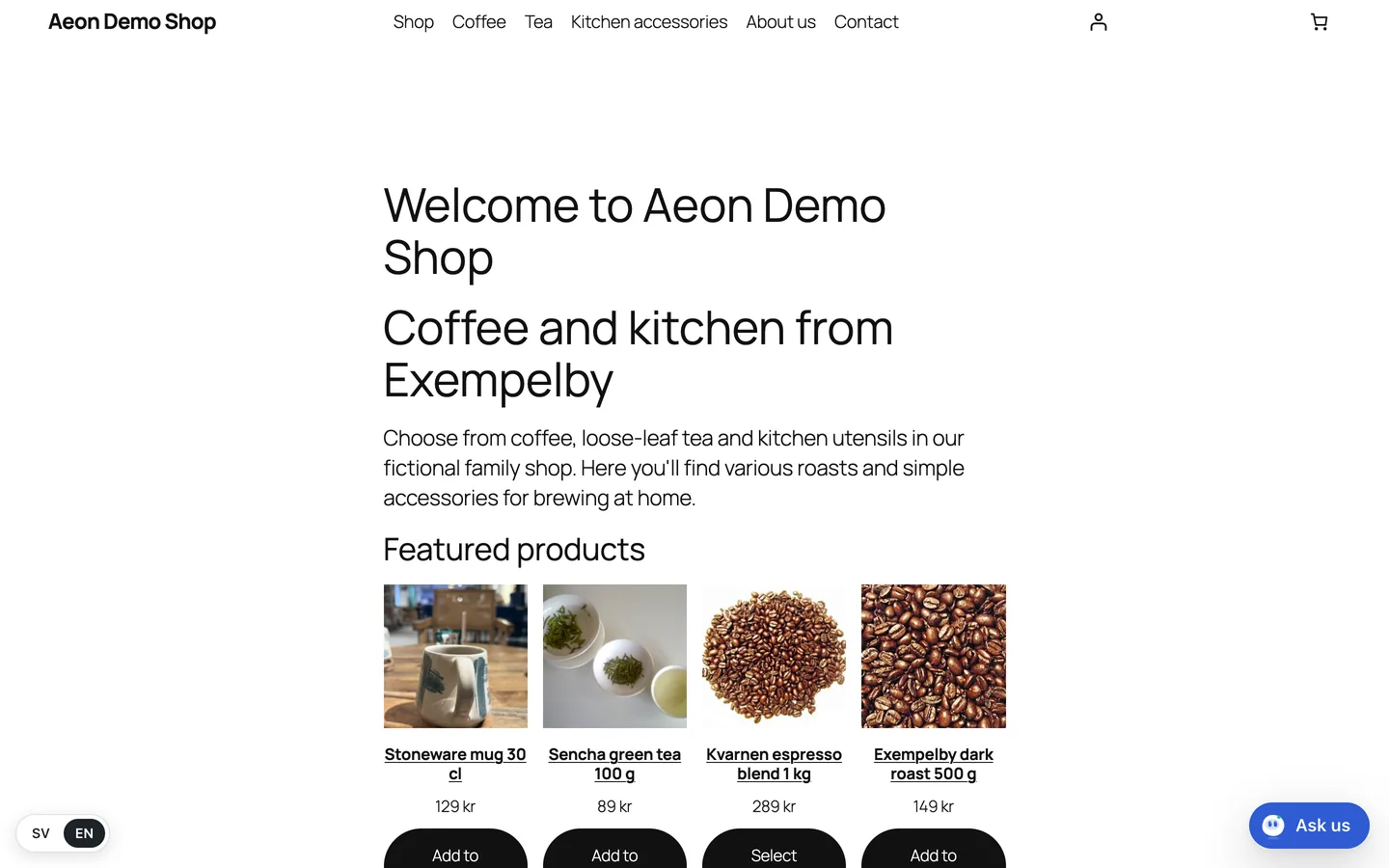
You can also place the switcher yourself:
- Shortcodes put the switcher where you want it in a page or a widget.
- Menu items can be shown in some languages only. Use Show in languages (none selected = all) on the menu item.
SEO
Search engines find each language through hreflang and canonical, which Lingua sets on every page. See Addresses.