
Plugins
Aeon Lingua: glossary
Keep brand names as they are, fix how terms are translated and block words that must not appear.
Last updated 16 November 2026
The glossary tells the AI service how to handle names and terms. It is sent with every translation, so a rule applies across the whole site.
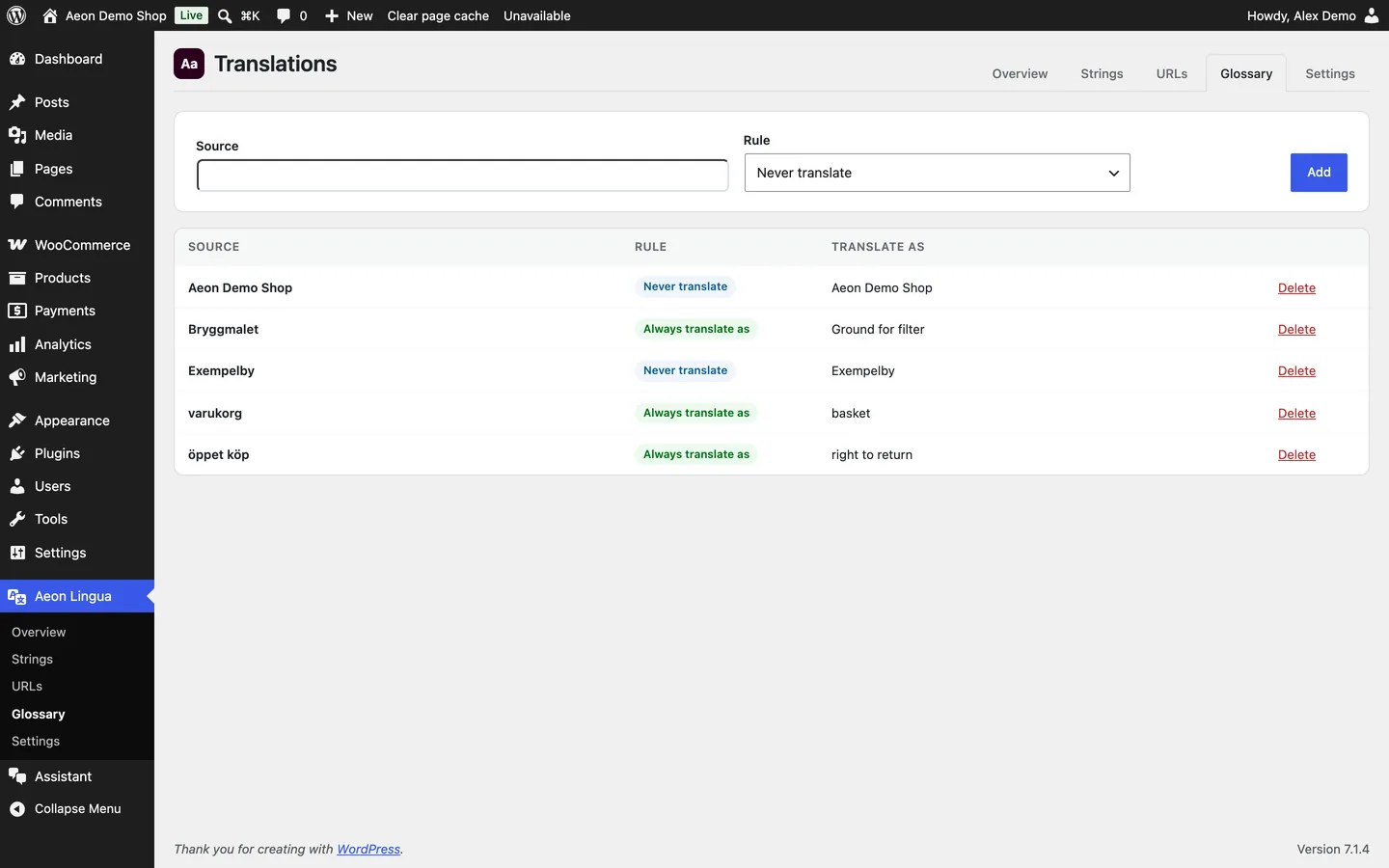
The three rules
| Rule | Use it for | Example |
|---|---|---|
| Never translate | Brand names, product names and place names | Aeon Demo Shop stays Aeon Demo Shop |
| Always translate as | Terms that must be the same everywhere | varukorg becomes basket |
| Must not appear | Words you don’t want in the translation | A competitor’s name, or a word that is wrong for your market |
Add a rule
- Open Aeon Lingua › Glossary.
- Enter the word or phrase under Source.
- Choose the Rule. For Always translate as, enter the translation.
- Click Add.
Check the affected strings under Review strings after you add a rule.
Tips
- Add the shop name and your brands first.
- Add terms from checkout, shipping and returns that must match your terms and conditions.
- Keep the list short and specific. A rule on a common word affects every page.
The glossary can also be managed with wp aeon-lingua glossary.