
Platform
Performance and Aeon Cache
The built-in performance suite in Aeon News, with page cache, preloading, browser caching, image loading, delayed scripts and database cleanup.
Last updated 14 October 2026
Aeon News has a built-in performance suite under Aeon News Options › Performance. It makes a site fast also when the host has no page cache of its own, and it replaces cache plugins such as WP Rocket.
Principles
- Hosts with their own cache. On Kinsta, the host’s cache serves the pages. The theme detects this and leaves page cache, preloading and browser caching to the host.
- Other cache plugins. If WP Rocket, LiteSpeed Cache, W3 Total Cache, WP Super Cache, WP Fastest Cache, Cache Enabler, Breeze or SG Optimizer is active, the theme leaves each overlapping feature to that plugin.
- Off until you switch it on. Anything that can change how the site behaves, such as page cache, database cleanup and delayed scripts, starts switched off.
- Paywalls are respected. While a paywall plugin is active, the theme caches no pages, so no reader can be shown a page meant for someone else.
Overview
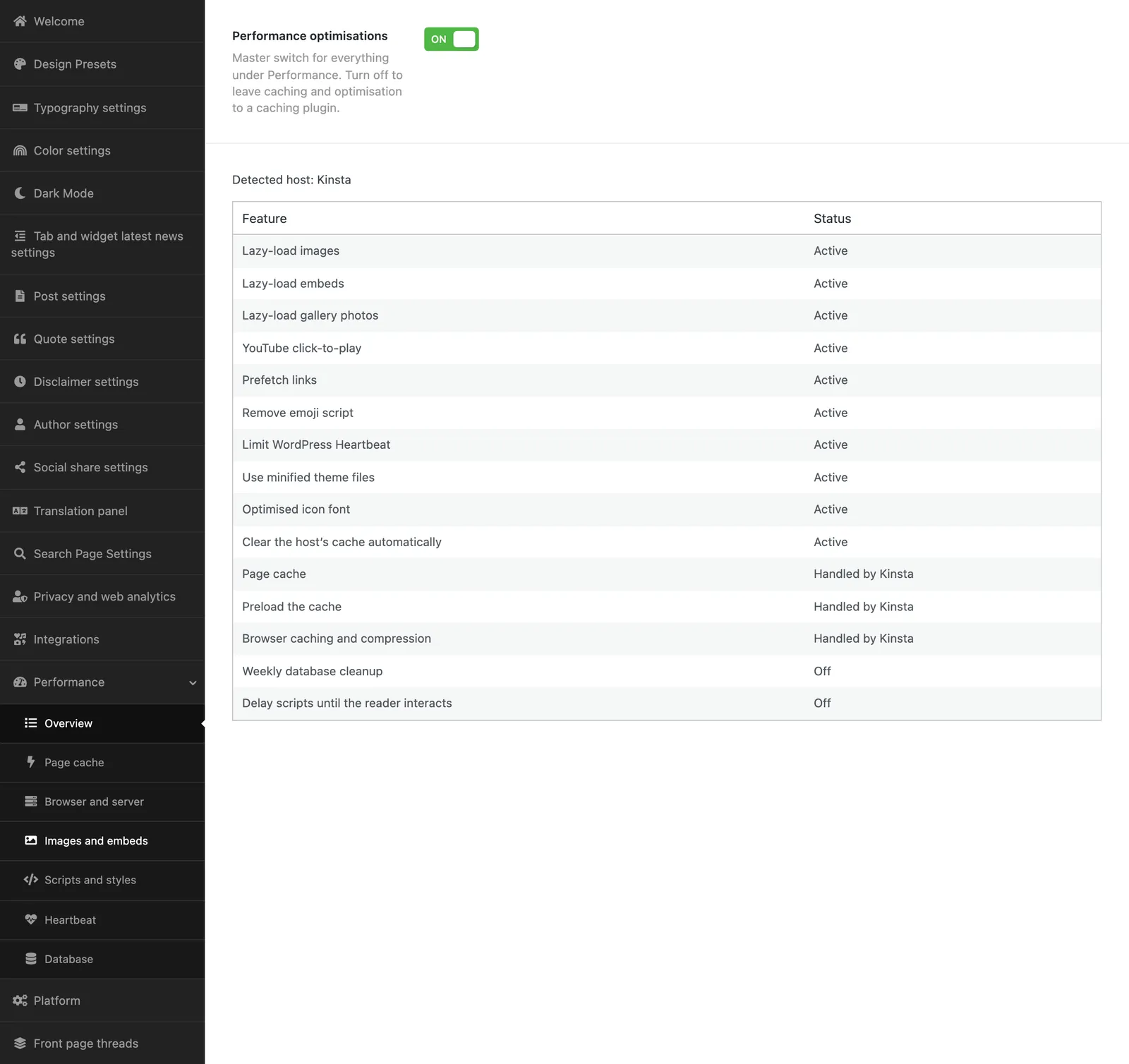
The first tab has the main switch for the whole suite and a table showing each feature as active, off or “handled by” the host or another plugin.
Page cache
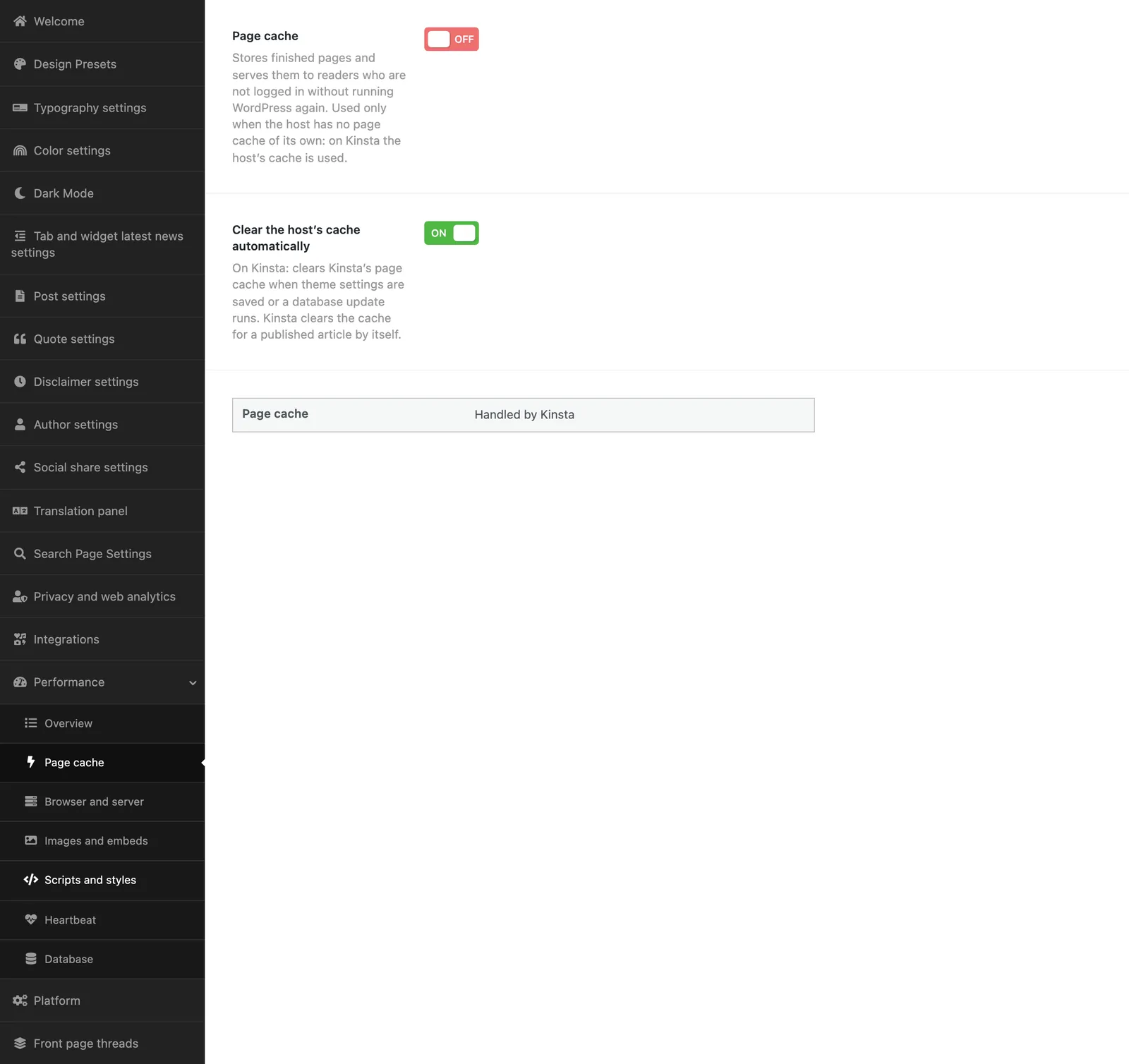
On hosts without a page cache, the theme stores finished pages and serves them to readers who are not logged in, without running WordPress.
| Setting | Default | What it does |
|---|---|---|
| Page cache | Off | Stores finished pages for anonymous readers. |
| Cache lifetime | 10 hours | A page is rebuilt after this time even if nothing has changed. |
| Preload the cache | On | Fetches the front page, the 300 latest articles and the largest section, genre, topic and writer pages in the background, after clearing and every night. |
| Never cache these addresses | – | Your own paths, one per line. |
| Never cache for readers with these cookies | – | Your own cookie names, one per line. |
| Clear the host’s cache automatically | On | On Kinsta: clears Kinsta’s cache when theme settings are saved or a database update runs. |
Never cached: logged-in readers, commenters, password-protected pages, shopping carts and paywall cookies; the admin, login, account, search, 404 pages, feeds and the API; and any address with parameters. The whole cache is cleared when an article is published, changed or removed, when sections, topics, writers or genres change, and when menus, widgets or theme settings are saved, because archive pages and widgets shift. Administrators also have a Clear page cache button in the admin bar.
Browser and server
Browser caching and compression are on by default: browsers keep stylesheets, scripts, images and fonts for a year, and text is compressed. On Apache and LiteSpeed the rules are written automatically; on nginx the tab shows the configuration your host needs to add.
Images and embeds
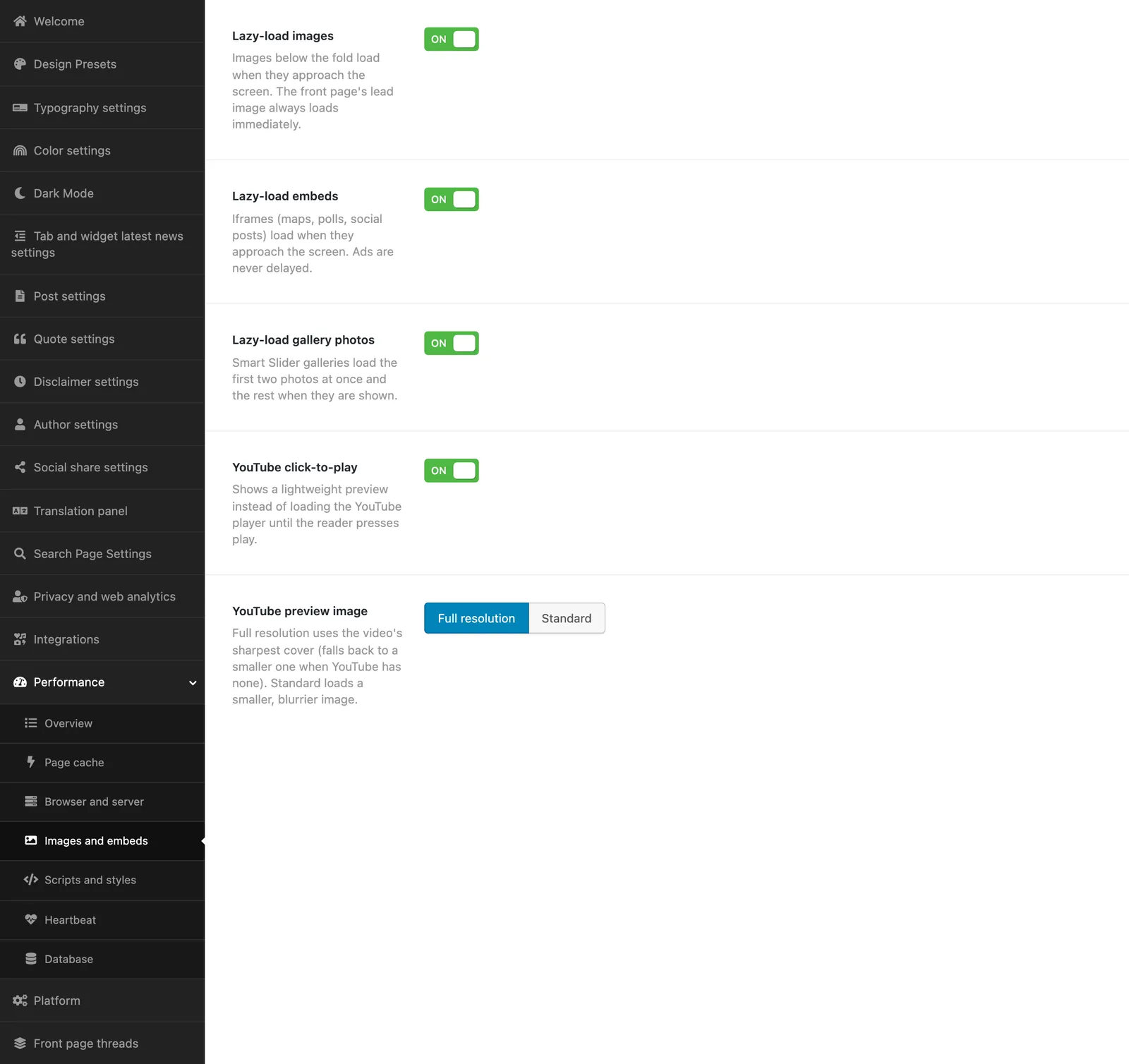
Images, embeds and gallery pictures load as the reader reaches them, while the front page’s lead image always loads at once. YouTube videos show a light preview until the reader clicks, and the reader’s consent choices are respected.
Scripts and styles
- Minified theme files, an icon font with only the icons in use, no emoji script, and prefetching of likely next pages.
- Delay scripts until the reader interacts (off): scripts load at the first scroll, tap, key or mouse movement, in their original order. Consent, advertising and the theme’s own scripts are never delayed. Test the site after switching it on.
Heartbeat
WordPress’s background “heartbeat” is always off for readers. In the article editor it runs every minute, because autosave and editing locks need it. Elsewhere in the admin it can be slowed down or switched off.
Database
Weekly database cleanup (off) runs on Sunday night and removes revisions beyond the latest 10 per article, unused auto-drafts, expired temporary data, and spam and trashed comments older than 30 days. Autosaves and articles in the trash are never touched.
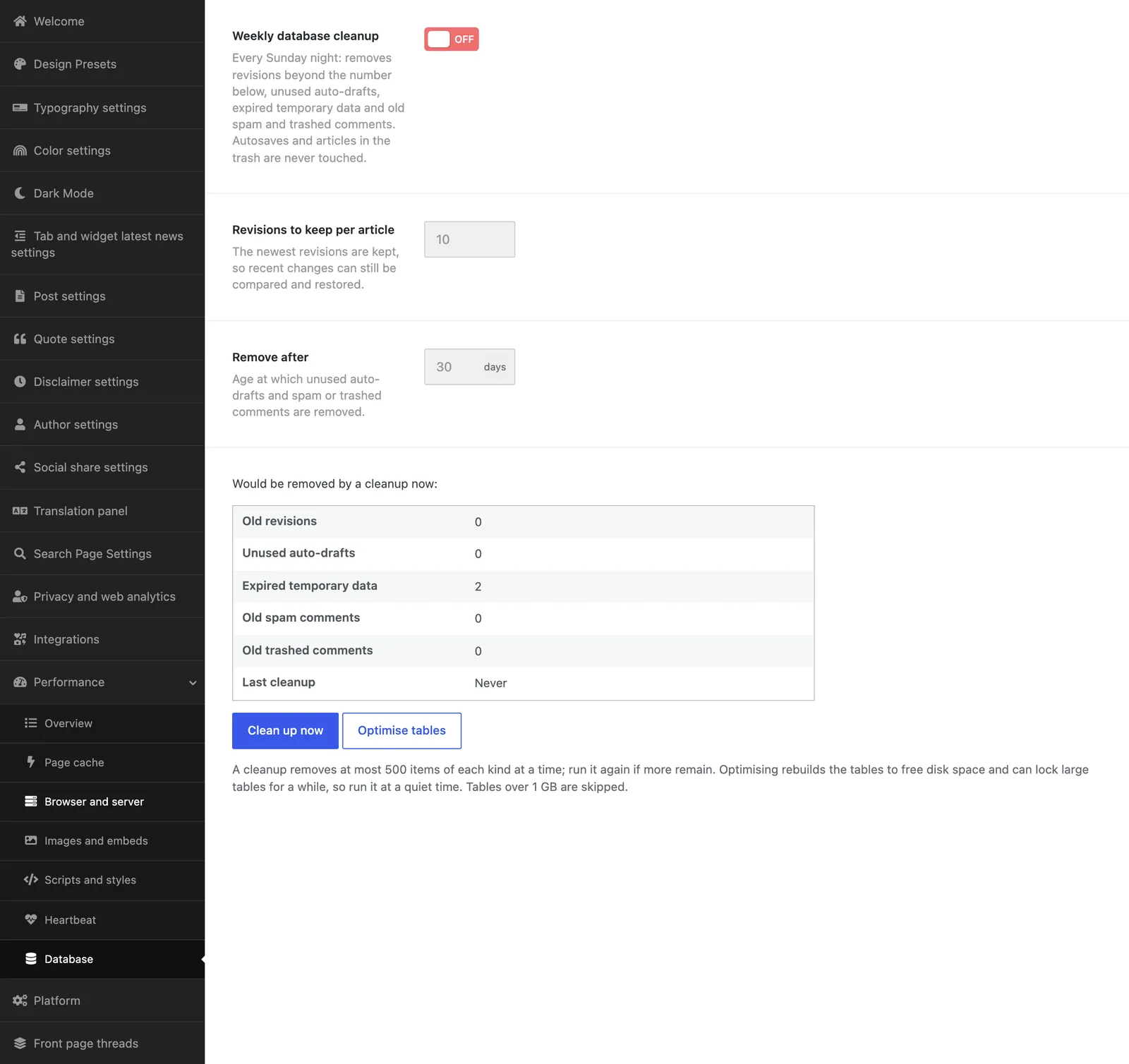
Clean up now runs one round. Optimise tables rebuilds the database tables to free space; it runs only when you start it, since large tables can be locked for a moment.
For operators
The same functions are available from the command line: wp aeon cache purge, wp aeon cache preload, wp aeon cache db-cleanup --dry-run and wp aeon cache db-optimize. Responses carry an X-Aeon-Cache header (HIT, MISS or BYPASS) that shows whether a page came from the cache.