
Platform
Pages and page templates
Choose the right template for information pages, block-built guides and campaign pages, and the search page.
Last updated 14 October 2026
Pages such as “About us”, “Advertise” and “Privacy” are not articles. Aeon News gives them their own templates, chosen under Page attributes › Template in the page editor.
The templates
| Template | Use it for |
|---|---|
| Default template | Text pages. The text is kept at a comfortable 760 px reading width, with headings, lists and side margins on phones. |
| Wide page | Pages built from blocks: reviews, comparisons, guides and campaign pages with tables, cards, columns, tabs and FAQ. |
| Page without sidebar | Older pages that need the full content area without the sidebar. |
| Search | The search page. A site needs one page with this template. |
| News Cycle | The day-by-day timeline of published articles. |
Wide page
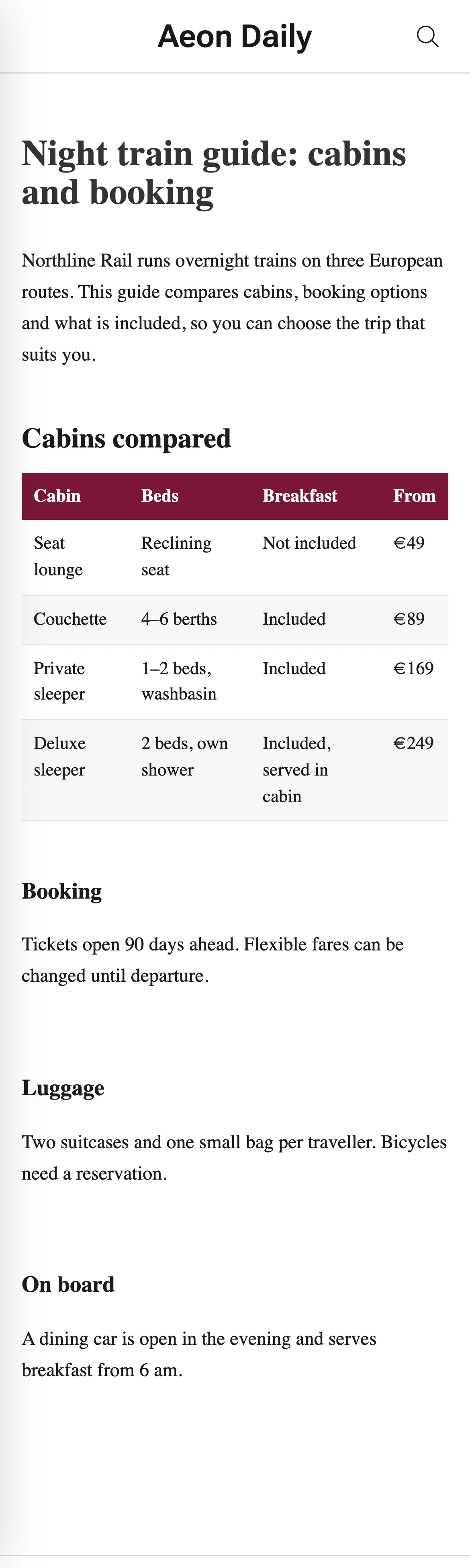
The wide template gives the content the container width, up to 1,170 px. Blocks keep the styling editors give them; the template sets the width, the rhythm between blocks and the typography of the default page.
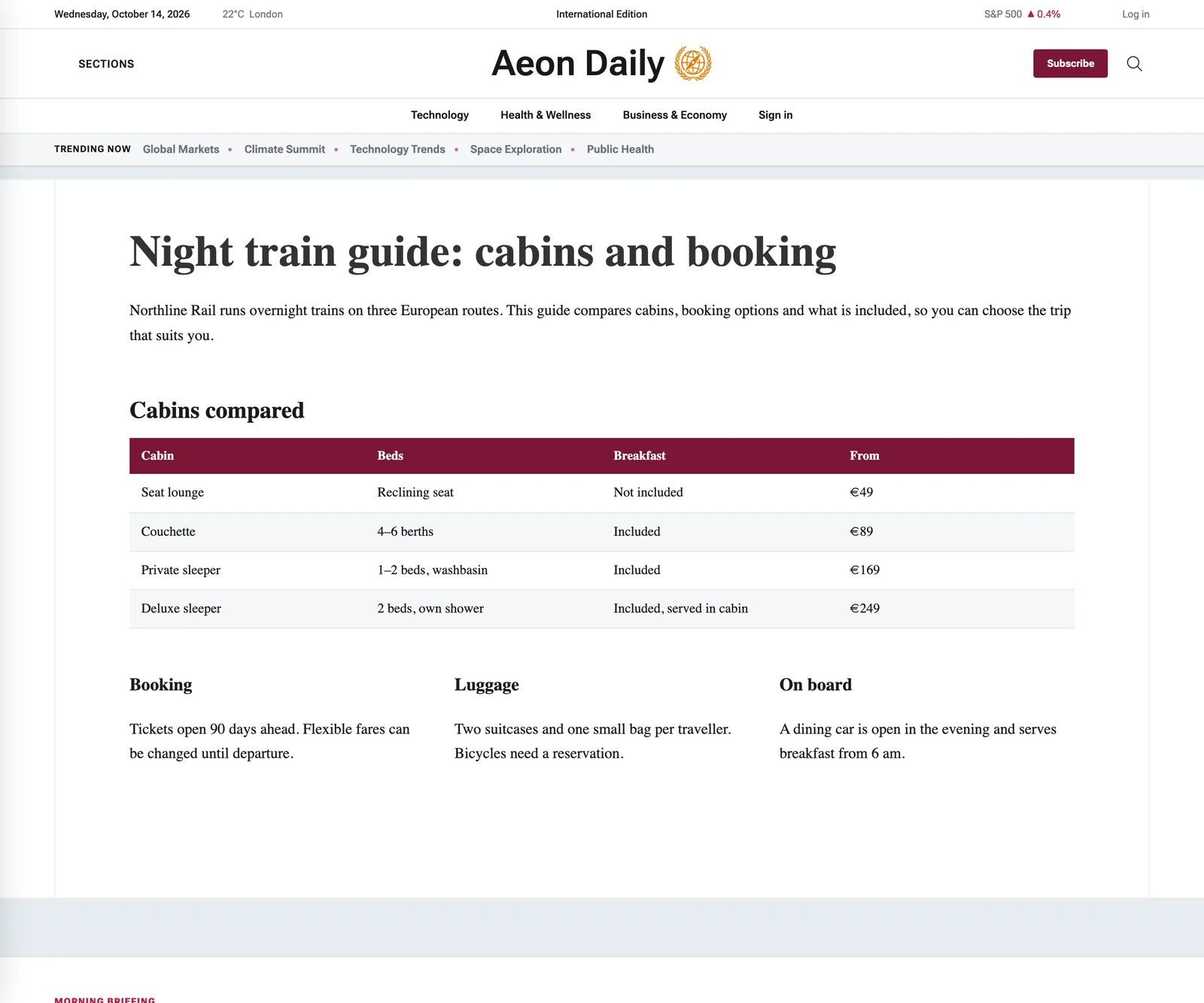
- Breadcrumbs from Rank Math or Yoast appear above the title when they are switched on in the SEO plugin.
- Tables get row rules, a header row in the publication’s colour, light striping and a dark-mode version. Use a real header row in the table block.
- Blocks from earlier themes that start with a negative top margin are not cut off.
For child themes
A child theme can style its brand on top of the wide template instead of copying it: the template’s main element has the class aeon-wide-page, with aeon-wide-page__title, aeon-wide-page__article and aeon-wide-page__content inside.