
Platform
Image workflow, formats, captions and credits
Prepare and publish images that work across articles, the front page, listings and different screen sizes.
Last updated 27 August 2026
A featured image appears in several contexts: article header, front-page feed, category archives, related stories and social sharing. Choose an image that survives different sizes while meeting journalistic relevance and rights requirements.
Recommended lead format
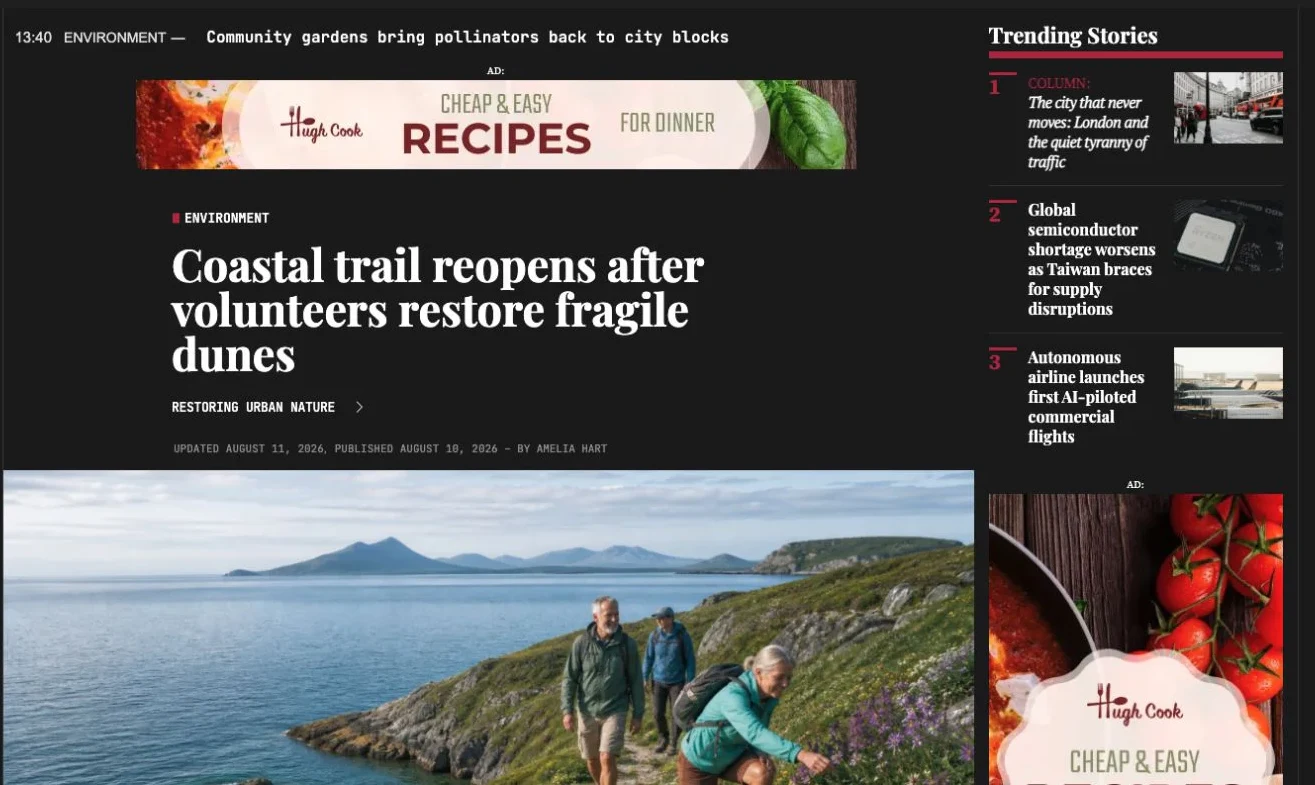
The established lead format is 1170 × 600 pixels. The 1170-pixel width matches the large article presentation; taller originals can be used when the subject requires them, but essential details must survive listing crops. The normal article reading column is approximately 640 pixels wide.
Upload a properly exported, high-resolution original with sensible compression. Do not enlarge a small web copy. Verify sharpness and file weight on a mobile connection.
Caption, image note and copyright
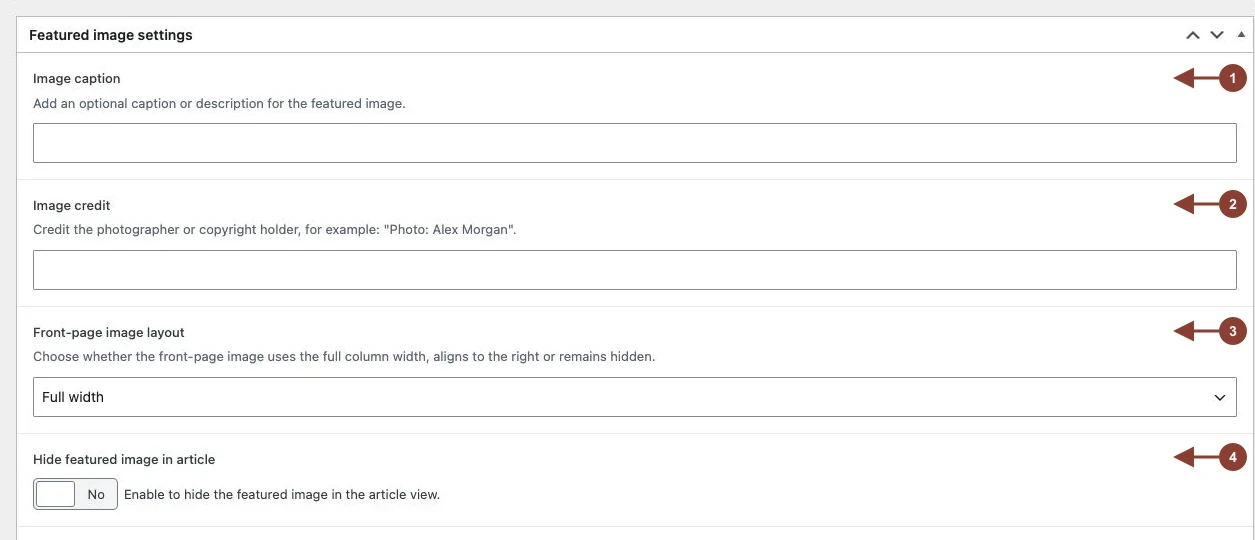
Image description explains what the image shows and may provide context. Copyright records the photographer, agency or rights holder. Alternative text describes informational content for people who cannot see the image; it is not the same as a caption or a place for SEO keywords.
Front-page treatment
Image adjustment chooses full-width, right-aligned, hidden or columnist presentation. Preview faces, embedded text and important subject matter in the intended treatment.
Hide featured image keeps media available for listings without showing it at the top of the article, suitable for generic illustrations, briefs or stories led by another media block.
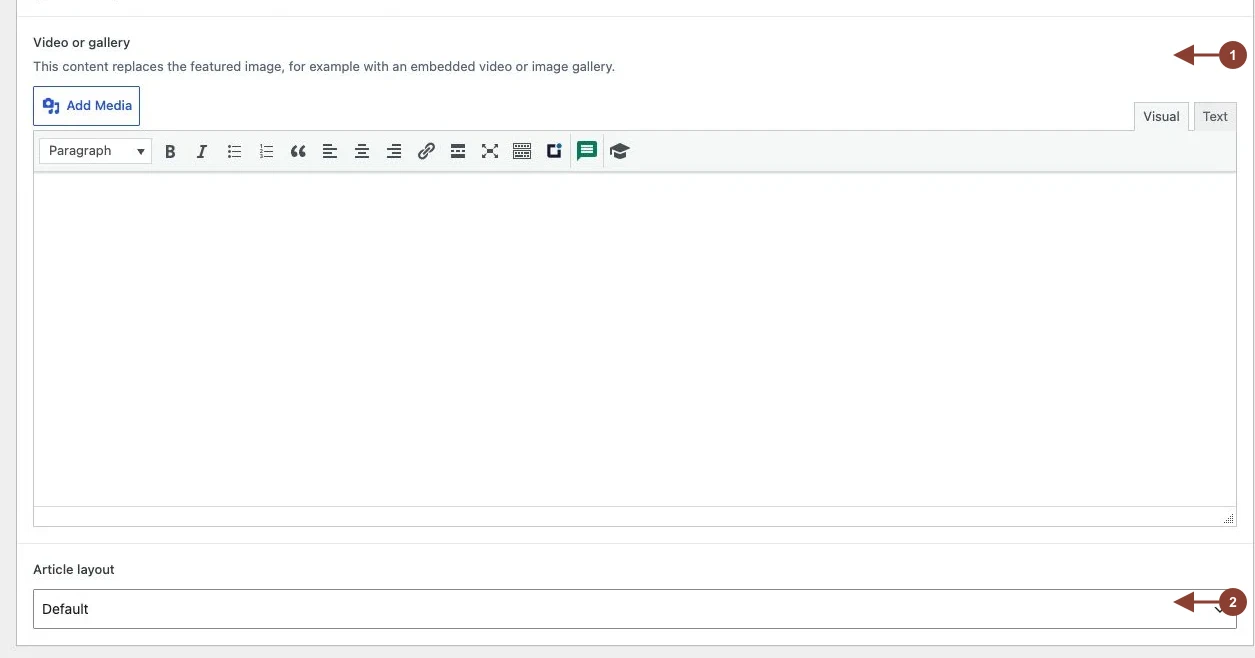
The separate media field can replace the lead image with a video or gallery without changing the article body. The article-layout selector controls whether the reader view uses the standard or full-width presentation.
Quality check
- Verify rights and credit.
- Ensure the image is relevant and not misleading.
- Preview full-width, right-aligned and mobile views.
- Prefer real HTML text over text baked into images.
- Compress without visible artefacts and retain a suitable original.